Best Tools for Tracking Brand Mentions in AI Search: Complete Guide 2025
Discover the top tools and methods for monitoring your brand mentions across ChatGPT, Claude, Perplexity, and other AI platforms. Compare features, pricing, and capabilities.
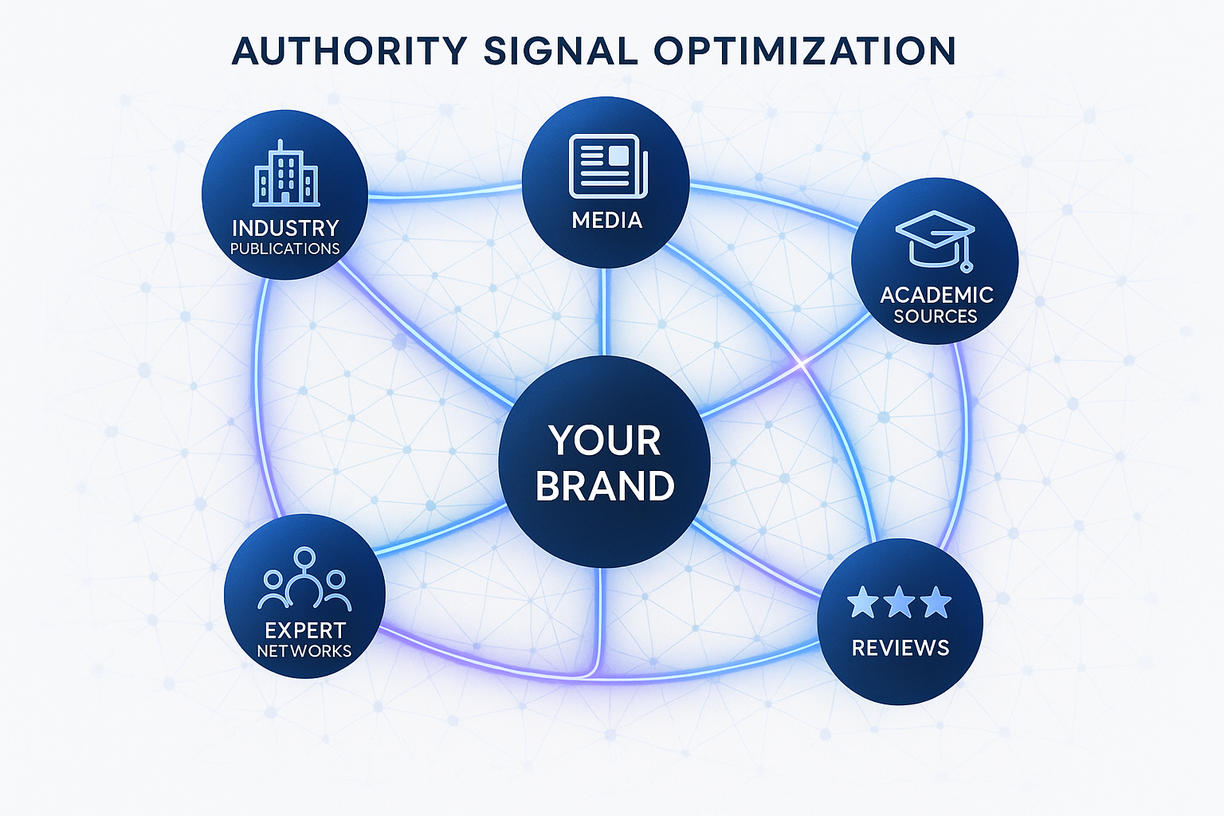
Tools for Tracking Brand Mentions in AI Search
The Challenge of AI Brand Monitoring
Unlike traditional search engines with established tracking tools, monitoring brand mentions across AI platforms presents unique challenges. This comprehensive guide explores the tools, techniques, and strategies for tracking your brand’s AI visibility.
Professional AI Monitoring Platforms
1. BeFoundOnAI Platform
Overview: The most comprehensive AI brand monitoring solution, purpose-built for tracking visibility across all major AI platforms.
Key Features:
- Real-time monitoring across 7+ AI platforms
- Automated daily brand mention tracking
- Competitive analysis and benchmarking
- Sentiment analysis of AI responses
- Custom alert system for visibility changes
- White-label reporting capabilities
Platforms Monitored:
- ChatGPT
- Claude
- Perplexity
- Google Gemini
- Microsoft Copilot
- Grok
- Meta AI
Pricing:
- Starter: $279/month (1 brand, 50 queries)
- Professional: $497/month (3 brands, 200 queries)
- Enterprise: Custom pricing
Best For: Businesses serious about AI visibility
2. Manual Testing Frameworks
DIY Monitoring Setup:
# Basic AI Monitoring Script
import datetime
import pandas as pd

class AIBrandMonitor:
    def __init__(self, brand_name):
        self.brand = brand_name
        self.platforms = ['ChatGPT', 'Claude', 'Perplexity']
        self.queries = [
            f"Tell me about {brand_name}",
            f"Best alternatives to {brand_name}",
            f"{brand_name} reviews and reputation",
            f"How does {brand_name} compare to competitors"
        ]

    def test_visibility(self):
        results = []
        for platform in self.platforms:
            for query in self.queries:
                # Manual input required here
                response = input(f"Test {platform} with: {query}")
                results.append({
                    'date': datetime.now(),
                    'platform': platform,
                    'query': query,
                    'mentioned': 'yes' if brand in response else 'no',
                    'sentiment': self.analyze_sentiment(response)
                })
        return pd.DataFrame(results)
Best For: Small businesses with limited budget
API-Based Monitoring Solutions
3. OpenAI API Monitoring
Setup for ChatGPT Tracking:
import openai
from datetime import datetime
import json

class ChatGPTMonitor:
    def __init__(self, api_key, brand_name):
        openai.api_key = api_key
        self.brand = brand_name

    def track_mention(self, query):
        response = openai.ChatCompletion.create(
            model="gpt-4",
            messages=[{"role": "user", "content": query}]
        )

        mention_data = {
            'timestamp': datetime.now(),
            'query': query,
            'response': response.choices[0].message.content,
            'mentioned': self.brand.lower() in response.choices[0].message.content.lower(),
            'tokens_used': response.usage.total_tokens
        }

        return mention_data
Cost: ~$0.03-0.06 per query Limitations: Only tracks ChatGPT
4. Perplexity API Integration
Features:
- Real-time search monitoring
- Source attribution tracking
- Competitive mention analysis
Implementation:
const PerplexityMonitor = {
    async trackBrand(brandName, queries) {
        const results = [];
        for (const query of queries) {
            const response = await fetch('https://api.perplexity.ai/search', {
                method: 'POST',
                headers: {
                    'Authorization': `Bearer ${API_KEY}`,
                    'Content-Type': 'application/json'
                },
                body: JSON.stringify({ query })
            });

            const data = await response.json();
            results.push({
                query,
                mentioned: data.answer.includes(brandName),
                sources: data.sources,
                timestamp: new Date()
            });
        }
        return results;
    }
};
Hybrid Monitoring Approaches
5. Spreadsheet-Based Tracking
Google Sheets Template Structure:
| Date | Platform | Query Type | Query | Brand Mentioned | Position | Sentiment | Competitors | Notes |
|---|---|---|---|---|---|---|---|---|
| 2025-01-15 | ChatGPT | Brand | ”Tell me about [Brand]“ | Yes | Primary | Positive | None | Full paragraph |
| 2025-01-15 | Claude | Comparison | ”Best [service] providers” | Yes | 3rd | Neutral | 5 mentioned | Brief mention |
Automation with Apps Script:
function trackAIMentions() {
  const sheet = SpreadsheetApp.getActiveSpreadsheet();
  const dataSheet = sheet.getSheetByName('AI Mentions');

  // Add daily reminder to test
  const today = new Date();
  if (today.getHours() === 9) {
    MailApp.sendEmail({
      to: 'your-email@example.com',
      subject: 'Daily AI Mention Testing Reminder',
      body: 'Time to test AI platform mentions'
    });
  }
}
6. Browser Extension Monitoring
Custom Chrome Extension:
// manifest.json
{
  "manifest_version": 3,
  "name": "AI Brand Tracker",
  "version": "1.0",
  "permissions": ["storage", "activeTab"],
  "content_scripts": [{
    "matches": ["*://chat.openai.com/*", "*://claude.ai/*"],
    "js": ["content.js"]
  }]
}

// content.js
const brandName = "YourBrand";
const observer = new MutationObserver((mutations) => {
  mutations.forEach((mutation) => {
    if (mutation.target.textContent.includes(brandName)) {
      chrome.storage.local.set({
        mention: {
          platform: window.location.hostname,
          timestamp: new Date().toISOString(),
          context: mutation.target.textContent
        }
      });
    }
  });
});
Specialized Monitoring Tools
7. Social Listening Adapted for AI
Tools That Can Help:
- Brandwatch: Monitor AI-related social discussions
- Mention: Track when people share AI responses about your brand
- Hootsuite Insights: Analyze AI platform screenshots shared socially
8. Web Scraping Solutions
Python Scrapy Framework:
import scrapy
from datetime import datetime

class AIContentSpider(scrapy.Spider):
    name = 'ai_mentions'

    def parse(self, response):
        # Search for brand mentions in AI-generated content
        mentions = response.css('.ai-response:contains("YourBrand")')

        for mention in mentions:
            yield {
                'url': response.url,
                'timestamp': datetime.now(),
                'context': mention.css('::text').get(),
                'platform': self.identify_platform(response.url)
            }
Legal Note: Always respect robots.txt and terms of service
Analytics and Reporting Solutions
9. Data Visualization Dashboards
Power BI Setup:
AI Mention Rate =
CALCULATE(
    COUNTROWS(FILTER(Mentions, Mentions[IsMentioned] = TRUE)),
    ALLEXCEPT(Mentions, Mentions[Date])
) /
CALCULATE(
    COUNTROWS(Mentions),
    ALLEXCEPT(Mentions, Mentions[Date])
)
Tableau Configuration:
- Connect to tracking database
- Create calculated fields for mention rate
- Build time-series visualizations
- Set up automated alerts
10. Custom Analytics Platform
Tech Stack:
- Frontend: React Dashboard
- Backend: Node.js API
- Database: PostgreSQL
- Queue: Redis for scheduled checks
- Monitoring: Grafana
Competitive Intelligence Tools
11. Competitive Tracking Matrix
Framework:
competitors = ['Competitor1', 'Competitor2', 'YourBrand']
queries = [
    'Best {industry} solution',
    'Compare {industry} providers',
    '{Industry} recommendations'
]

def competitive_analysis():
    results = {}
    for competitor in competitors:
        results[competitor] = {
            'mention_rate': 0,
            'average_position': 0,
            'sentiment_score': 0
        }
    return results
Alert and Notification Systems
12. Real-Time Alert Setup
Zapier Integration:
- Trigger: New row in tracking spreadsheet
- Filter: If mention = “No” or sentiment = “Negative”
- Action: Send Slack notification / Email alert
IFTTT Automation:
- If: Brand not mentioned in daily test
- Then: Create task in project management tool
Choosing the Right Tools
Decision Matrix
| Tool Type | Best For | Cost | Setup Time | Accuracy |
|---|---|---|---|---|
| BeFoundOnAI | Enterprises | $$$ | Minutes | 95% |
| Manual Testing | Startups | Free | Immediate | 100% |
| API Monitoring | Tech-savvy | $$ | Hours | 90% |
| Spreadsheets | Small Business | Free | Minutes | 100% |
| Custom Solution | Large Brands | $$$$ | Weeks | 95% |
Selection Criteria
For Small Businesses:
- Start with manual testing
- Use spreadsheet tracking
- Set up basic alerts
- Consider BeFoundOnAI Starter
For Growing Companies:
- Implement API monitoring
- Build custom dashboards
- Use competitive tracking
- Upgrade to professional tools
For Enterprises:
- Deploy comprehensive platform
- Custom development
- Real-time monitoring
- White-label reporting
Implementation Roadmap
Week 1: Setup
- Choose primary tool
- Create tracking templates
- Define key queries
- Set testing schedule
Week 2: Baseline
- Test all platforms
- Document current visibility
- Identify gaps
- Benchmark competitors
Week 3: Automation
- Implement chosen tools
- Set up alerts
- Create dashboards
- Train team
Week 4: Optimization
- Analyze results
- Refine queries
- Adjust frequency
- Scale monitoring
Best Practices
Testing Protocols
- Test at consistent times
- Use varied query formats
- Track context changes
- Monitor competitor mentions
- Document anomalies
Data Management
- Regular backups
- Version control
- Data validation
- Privacy compliance
- Retention policies
Common Pitfalls to Avoid
- ❌ Testing too infrequently
- ❌ Using only branded queries
- ❌ Ignoring competitive context
- ❌ Not tracking sentiment
- ❌ Failing to document changes
Future of AI Monitoring
Emerging Capabilities
- Automated sentiment analysis
- Predictive visibility modeling
- Cross-platform correlation
- Voice AI monitoring
- Visual recognition tracking
Preparation Strategies
- Build flexible tracking systems
- Invest in API access
- Develop proprietary tools
- Train team on new platforms
- Stay updated on tool releases
Get Started with Professional Monitoring
BeFoundOnAI offers the most comprehensive AI brand monitoring solution:
Features:
- Automated daily monitoring
- All major AI platforms
- Competitive intelligence
- Custom reporting
- Expert support
Take Action Today
Don’t fly blind in the AI landscape:
- Choose your monitoring approach
- Set up tracking immediately
- Establish baseline metrics
- Monitor consistently
- Optimize based on data
BeFoundOnAI provides enterprise-grade AI brand monitoring tools trusted by leading brands. Contact us for a personalized demonstration of our monitoring platform.